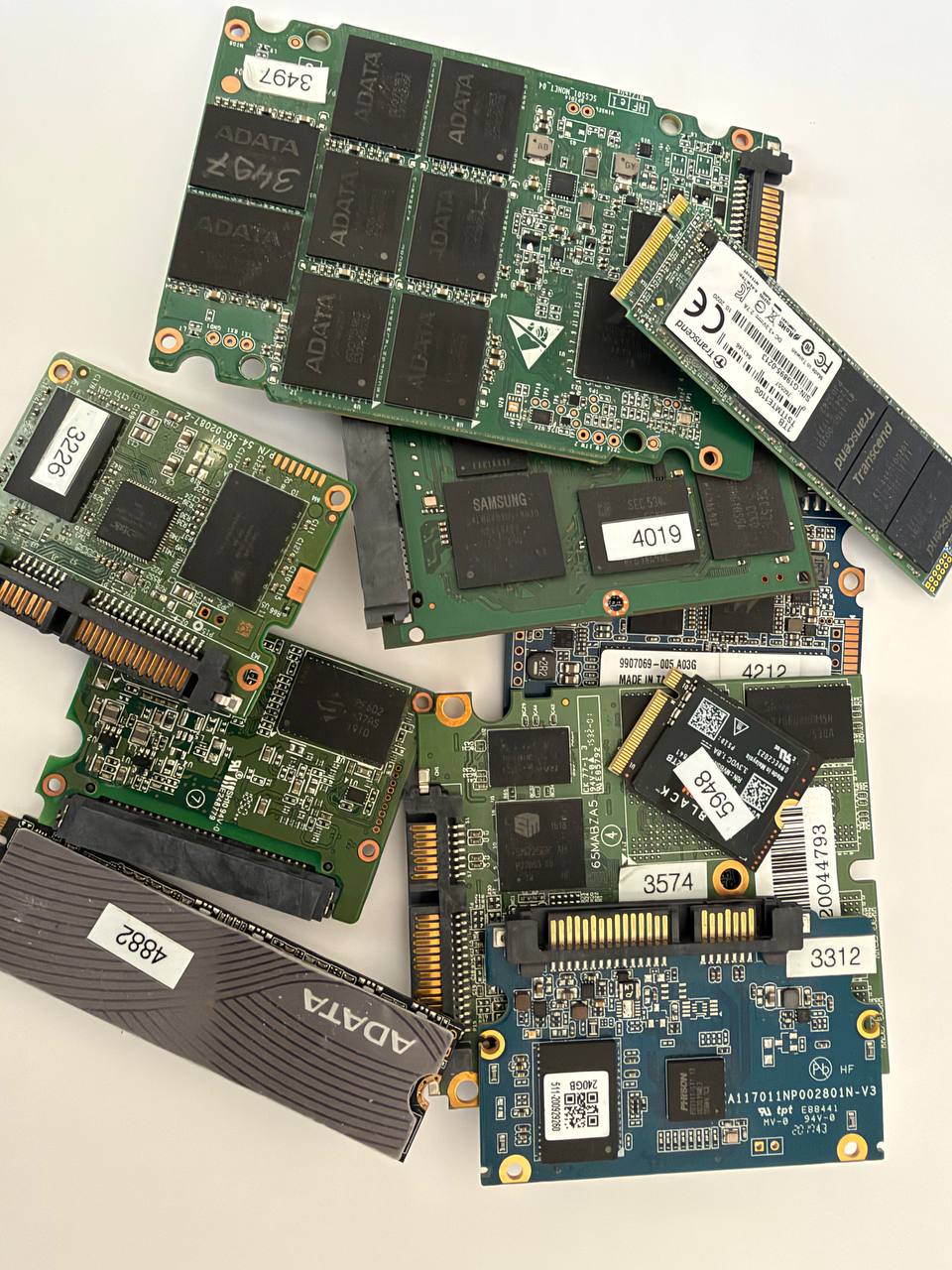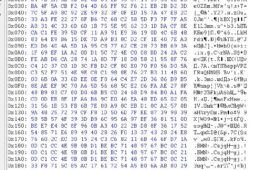

With modern SSD devices and many newer hard drives, data recovery is no longer simply a matter of “reading the drive” with the right software.
At the physical level, information may still be present, but it is not necessarily accessible as normal files or logical sectors. Between the physical memory and the operating system, there are complex mechanisms for addressing, translating, and managing data. One of the key elements in some devices is the so-called Secondary Translator.
What is a translator?
In simple terms, the translator is the mechanism that provides the connection between the physical location of information on the storage medium and the logical addresses seen by the computer.
This means that a sector the operating system identifies, for example, as LBA 123456 does not necessarily correspond directly to a specific physical location on the storage medium.
With SSDs, the situation is even more complex. The controller manages NAND memory through a sophisticated Flash Translation Layer (FTL), which performs operations such as wear leveling, garbage collection, bad block management, and logical block remapping.
Some HDDs also use complex internal translation structures that are critical for correctly interpreting the stored data.
What happens when the translator is damaged?
When the translation structures, or the information required for their proper operation, are damaged, the device may continue communicating with the computer, but this does not mean that the data is actually accessible.
This is one of the most dangerous situations during diagnostics.
The computer may detect a device with a specific capacity. Software may report readable sectors. Sometimes even file system entries may appear.
But when attempting to read the actual content, instead of the original data we may receive:
- zero-filled blocks;
- repeating data;
- incorrectly ordered blocks;
- “garbage” consisting of unrelated information;
- invalid sector data;
- or a combination of all of these.
The reason is simple: the software receives from the device whatever the device itself returns, rather than necessarily receiving the physical data in its correct logical order.
Why can’t ordinary software solve the problem?
Data recovery programs such as standard recovery applications operate primarily at the logical level.
They expect relatively correct access to the sectors and then search them for file systems, MFT records, directories, file signatures, and other structures.
But if the layer that translates logical addresses into the actual physical location of the data is damaged or incorrect, the software may be analyzing incorrectly addressed data.
This can produce a misleading result:
“I can see the files” ≠ “I can recover the files.”
This is particularly evident with deleted files.
Sometimes, after deletion, file records have not yet been physically removed or have not yet been processed by TRIM/garbage collection mechanisms. The software may detect file names, directories, file sizes, and other metadata.
This creates the impression that the information is still there and can simply be recovered. But the presence of a file record does not mean that the file’s content is accessible. If the physical blocks required for the file cannot be correctly addressed and read,
the software may display the file, but during actual extraction it may receive zeros, invalid blocks,
or unrelated data.
Especially important with SSDs – TRIM is not the only problem
Recovery from SSDs is even more complex.
The controller continuously manages the physical placement of the information. Logical addresses are not a direct map to the NAND memory.
When data is deleted, the operating system may send a TRIM command, after which the controller may perform garbage collection and other internal operations.
Therefore, even when some information still physically exists in the NAND memory, it may be:
- already logically inaccessible;
- moved;
- marked for erasure;
- distributed across different NAND blocks;
- or accessible only after the internal translation structures have been properly reconstructed.
This is precisely where standard recovery software reaches its limits.
Why is specialized equipment necessary?
Professional data recovery is not simply a matter of connecting the storage device via a USB/SATA/NVMe interface and running a program.
In complex cases, it is necessary to work at a lower level – with the controller, firmware structures, translation tables, and the physical storage media themselves.
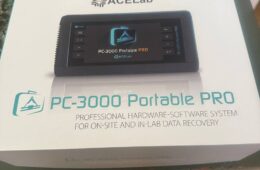
Specialized hardware and software make it possible to perform operations that ordinary recovery programs cannot – for example, controlled data extraction, working with problematic areas, analyzing firmware/translation structures, and reconstructing the logical addressing layer.
With SSDs, this may also involve working directly with the NAND memory when the standard interface no longer provides reliable access to the information.
The most important thing is not simply having the equipment, but knowing how to use it
Specialized equipment alone is not enough.
An incorrect sequence of actions can alter information that is essential for recovery. Internal processes may be triggered, the firmware state may change, or additional operations may be initiated on the NAND memory.
That is why data recovery is a combination of:
knowledge + experience + proper diagnostics + specialized equipment + the correct working methodology.
This is also why, in the event of serious damage, it is not a good idea to repeatedly connect the storage device, format it, initialize it, or subject it to various “trial” recovery programs.
The files you see are not always the data you can actually retrieve
This is perhaps the most important principle when dealing with modern storage devices. It is possible for software to display:
file name → size → date → directory
and yet the file’s actual content may not be recoverable.
The file system may be partially readable while the actual data blocks are inaccessible or incorrectly transformed by the internal translation layer.
That is why diagnostics must distinguish between the presence of metadata and actual access to the content.
When the data is important, do not experiment
When an SSD or HDD is damaged, the first goal should not be “let’s see if some program can read it.”
The first goal should be to avoid worsening the condition of the storage device and to preserve the maximum possibility of professional recovery.
With modern storage devices, there is often no second chance.
One incorrect operation can alter precisely the information required to reconstruct the data.
Data recovery is a specialized field. When a storage device is seriously damaged, the question is not which program to use, but whether we have the right knowledge, methodology, and equipment to reach the actual data.